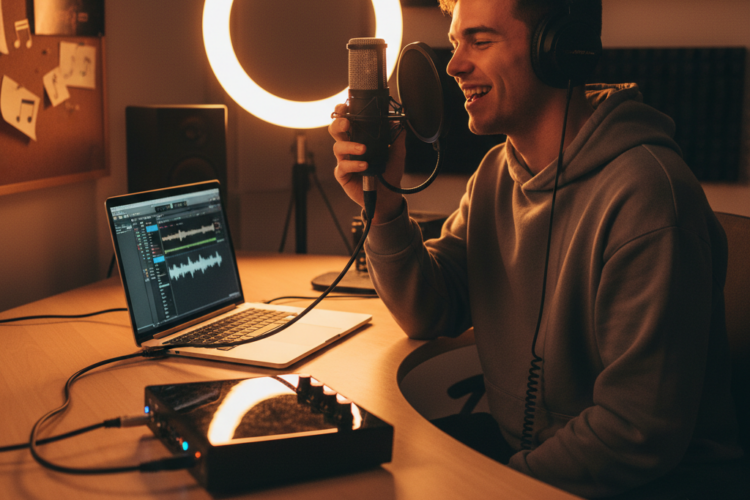
You’ve got your guitar, your microphone, and a burning desire to record your music at home. But then you hit a roadblock: how do you get that fantastic sound from your mic or instrument into your computer? This common dilemma often leads musicians and home studio enthusiasts to a crucial piece of equipment: the audio interface. Choosing the right audio interface as a beginner can feel overwhelming with all the options out there. This article will guide you through understanding what an audio interface does and how to pick one that fits your needs and budget, ensuring your first foray into home recording is a success.
What is an Audio Interface and Why Do You Need One?
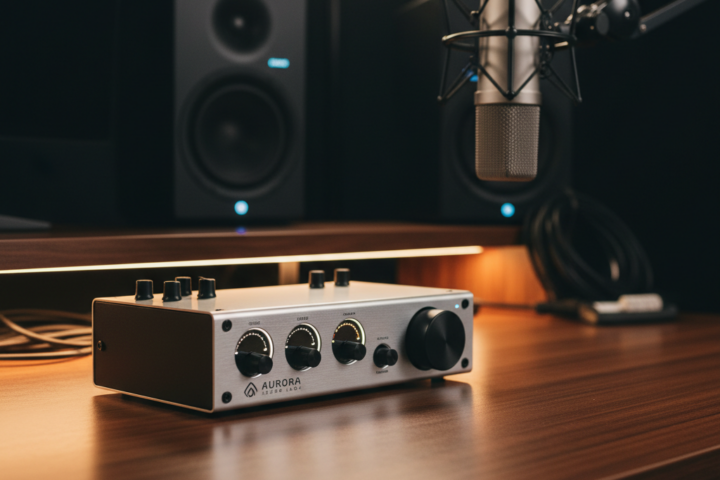
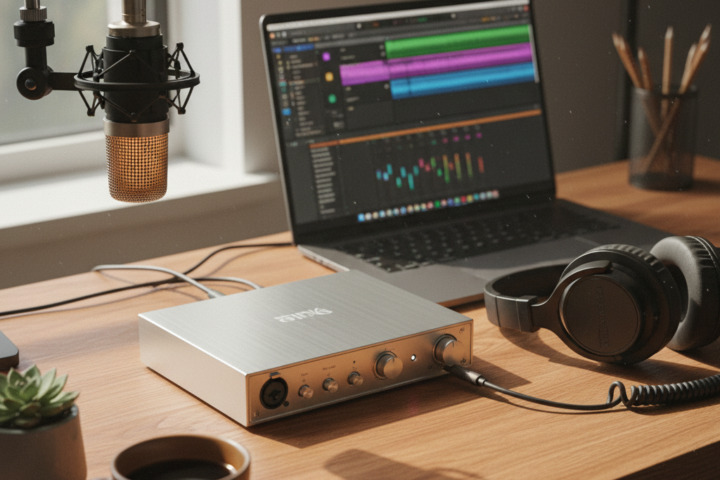
An audio interface is essentially an external sound card that connects your microphones and instruments to your computer. Think of it as the translator for your sound. Your computer’s built-in sound card is great for playing back music or watching videos, but it’s rarely designed for high-quality audio recording. An audio interface, on the other hand, is specifically built to convert the analog sound waves from your microphone or instrument into digital data your computer can understand and process. It then converts that digital information back into analog sound for your headphones or studio monitors.
The main reason you need an audio interface is for significantly improved sound quality. Unlike internal sound cards, dedicated interfaces boast much better preamplifiers (which boost your microphone’s signal) and analog-to-digital converters, resulting in cleaner, clearer recordings with less noise. They also often provide “phantom power,” a necessary 48V electrical current for condenser microphones, which are very popular for vocal and acoustic instrument recording.
Key Considerations When Choosing Your First Audio Interface
When you’re looking at different audio interfaces, don’t get bogged down by every technical spec. For a beginner, focus on these three important practical considerations:
1. Input/Output (I/O) Count and Type
This refers to how many microphones and instruments you can connect simultaneously. If you’re a solo singer-songwriter planning to record one vocal and one guitar track at a time, a 2-input interface (typically one XLR input for a microphone and one 1/4-inch jack for an instrument) will be perfectly sufficient. Many popular beginner interfaces, like the Focusrite Scarlett 2i2 or the Behringer UMC202HD, offer this configuration. If you envision recording two microphones simultaneously (e.g., two vocalists, or a guitar and a vocal at the same time), then a 4-input interface would be more appropriate. Don’t overbuy and get too many inputs you won’t use; more inputs often mean a higher price tag. Also, check for “combo jacks” that accept both XLR and 1/4-inch cables for versatility.
2. Connectivity and Compatibility
Most modern audio interfaces connect to your computer via USB (either USB-A, USB-B, or USB-C). Ensure the interface you choose is compatible with your computer’s operating system (Windows or macOS) and has the correct type of USB port. While most interfaces are “class compliant” and work out of the box, some might require specific drivers to be installed. Check the manufacturer’s website for driver information and system requirements before purchasing. Also, consider if the interface comes with any bundled software (Digital Audio Workstation or “DAW” software) or plugins, as this can be a great bonus for getting started without additional costs.
3. Ease of Use and Durability
As a beginner, you want an interface that’s straightforward to set up and operate. Look for models with clear labeling, accessible gain knobs (which control the input level), and direct monitoring features. Direct monitoring allows you to hear yourself and your instruments without any delay (latency) from your computer, which is crucial for comfortable recording. Many interfaces feature a “mix” knob to blend the direct signal with your computer’s playback. Durability is also important; while plastics are common, a sturdy metal chassis offers better protection for home use and occasional travel. Common mistakes here include buying an interface with too many confusing controls or one that feels flimsy and prone to breaking.
By focusing on these three practical aspects – how many inputs you need, its compatibility with your existing computer, and its general user-friendliness and build quality – you can confidently choose your first audio interface. This essential piece of gear will bridge the gap between your passion for music and high-quality home recordings, opening up a world of creative possibilities.